Choose a dental simulator manufacturer by checking five things: who makes the equipment, how it fits your teaching, how it is tested, what the price covers, and how you will get support.
This guide covers dental simulators with physical training heads. Use these 15 questions with every supplier. Give each supplier the same teaching needs and equipment list.
Compare answers in one place. The free Excel sheet covers all 15 topics. Add each supplier’s answers, supporting documents and next steps.
Download the supplier checklist (.xlsx)For each answer, ask for a document, part number or demonstration you can check.
Check the supplier
1. Who makes the simulator?
- Ask: Confirm the legal names of the seller and manufacturer.
- Get: Company details and a named technical contact.
- Check: If they are different companies, ask who handles faults and warranty claims.
2. What do you make, and what do you buy from others?
- Ask: Check who supplies the simulator, lamp, stool and other items.
- Get: An item list showing each supplier and warranty contact.
- Check: “We supply everything” does not explain who is responsible for each item.
3. Can you show similar past projects?
- Ask: Ask for a project with similar equipment or teaching needs.
- Get: A project summary or a customer reference shared with permission.
- Check: Confirm what the supplier delivered. A classroom photo alone is not enough.
Buying a whole room? Use our training-room purchasing checklist.
Match the equipment to your teaching
4. Which model fits our teaching needs?
- Ask: Describe the exercises and features your teachers need.
- Get: A specification for the proposed model, including options and limits.
- Check: Ask which features need extra equipment or a different practice jaw.
5. How many students can practise at the same time?
- Ask: Confirm the number of independently usable phantom heads per unit.
- Get: A drawing or demonstration of the work positions.
- Check: Two students may share one head as operator and assistant. That is one independent practice position.
6. Will our practice jaws and replacement teeth fit?
- Ask: Give the supplier the model and part numbers you already use.
- Get: Matching part numbers and written confirmation, or a sample fit check.
- Check: If an adapter is needed, include it in the quote. Ask what “universal” means for your parts.
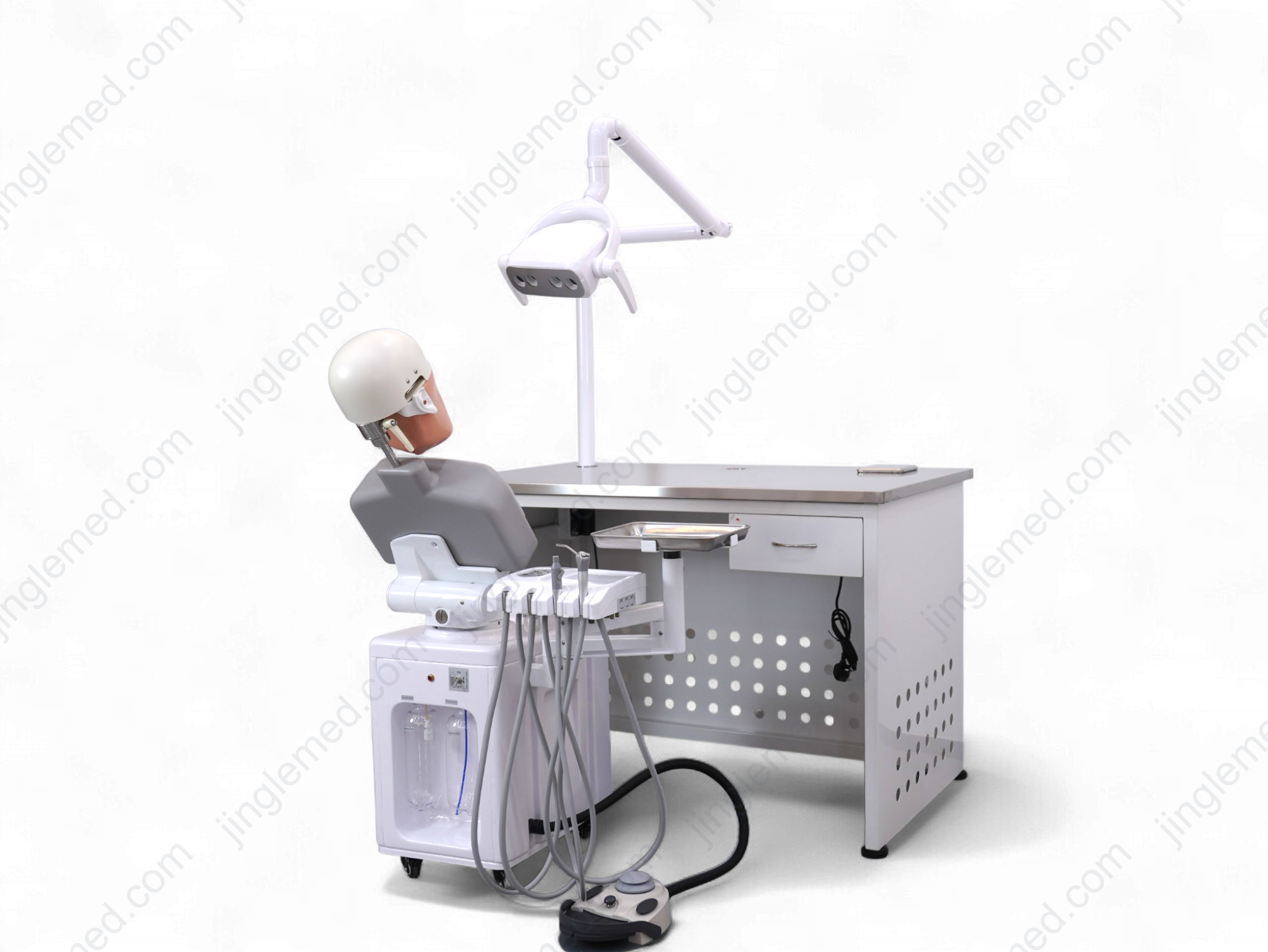
Need help with how many units to buy or electric versus manual adjustment? Read the linked guides.
Check the product
7. Can you show the adjustments and locks?
- Ask: Request a demonstration of the exact model you plan to buy.
- Get: A video showing movement, controls and locking.
- Check: Confirm which powered functions are included. A video of another model may show different features.
8. Can our teachers test a sample?
- Ask: Agree what teachers can test, such as jaw fit, cutting or head adjustment.
- Get: A sample or demonstration plan with clear test points and terms.
- Check: Record any differences between the sample and the equipment you will receive.
9. How do you check our order before shipping?
- Ask: Ask how the supplier checks quantity, functions, equipment and packing.
- Get: An inspection record and packing list linked to your order.
- Check: Confirm how units are identified, using serial or batch numbers where available.
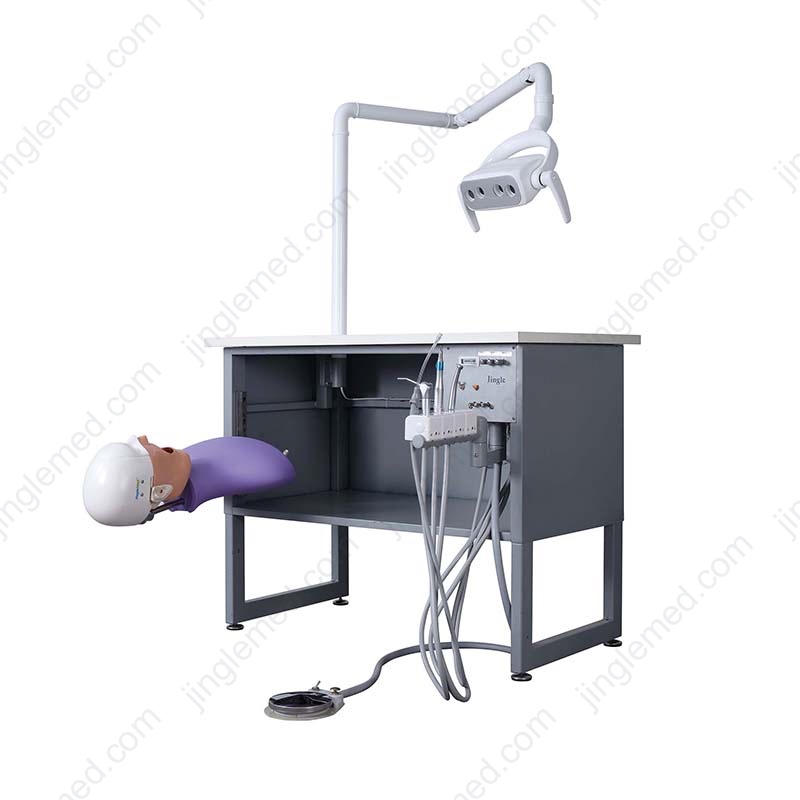
Confirm price and warranty
10. What is included in the price?
- Ask: Check the head, practice jaw, lamp, stool, instruments and controls.
- Get: A quote listing included items, extras and quantities.
- Check: For custom items, approve the drawing or specification in writing. “Complete set” needs an item list.
11. Which delivery costs and tasks are included?
- Ask: Confirm the delivery destination and who handles each task.
- Get: Written terms covering freight, customs, unloading and installation.
- Check: Check extra costs before comparing quotes. Use your purchasing team to review the terms.
12. What does the warranty cover?
- Ask: Ask when cover starts, how long it lasts and which parts it covers.
- Get: Written terms, exclusions and a claim contact.
- Check: Confirm who pays for parts, labour and freight. “Lifetime support” does not explain these costs.
See our price guide for budget planning, or custom equipment options for custom projects.
Plan delivery and support
13. How do we order spare parts?
- Ask: Check how to identify and order teeth, masks and other service parts.
- Get: A parts list or identification guide, ordering contact and current availability.
- Check: Ask what happens if the original part is no longer available.
14. Who installs the equipment and trains our team?
- Ask: Confirm room preparation and the power, air or water connections the model needs.
- Get: Installation instructions and a written task list with named owners.
- Check: Check whether remote help, on-site work and user training are included.
15. How do we check the delivery and report problems?
- Ask: Agree the delivery steps and the checks your team will make on arrival.
- Get: A schedule, receiving checklist and process for reporting faults or missing items.
- Check: Confirm who responds to problems and how they will be resolved.
Three answers that need more detail
These are hypothetical examples. They are not actual Jinglemed offers, product specifications or warranty terms.
Compare suppliers with the Excel checklist
Record answers and document references for Supplier A and Supplier B. Mark an answer Verified only after your team checks it. Add a reason for Not applicable and a next step for anything unclear.
The sheet is editable. It does not rank suppliers or give an automatic approval score.
Download the supplier checklist (.xlsx)Frequently asked questions
How can we check a manufacturer remotely?
Check company names, model details and written documents. Ask for a video of the proposed model. Follow up on details that do not match.
Should we buy from a manufacturer or distributor?
Either can work. Check who confirms the equipment list, installs the units, supplies parts and handles warranty claims.
Which certificates should we request?
Ask your purchasing team which documents your destination and intended use require. Check that each document covers the proposed model and is still valid.
What if customer names are confidential?
Request a project summary without customer names, or a reference shared with permission. Record what you can verify and what you cannot.
Can we compare suppliers before the room plan is ready?
Yes. Start with teaching needs, the equipment list and destination. Confirm room connections and installation tasks before approving the order.
Get help choosing a model
Send Jinglemed your teaching needs, destination and equipment list. Add a room plan if available. Ask for a proposed model and a clear list of included items.
Ask about a modelExplore our dental simulators before you enquire.